Jarret, Ho Kai Siang
What’s in my ToolBox?
What’s in my ToolBox?
Foundations
With new technologies comes new tools and new ways of doing things.
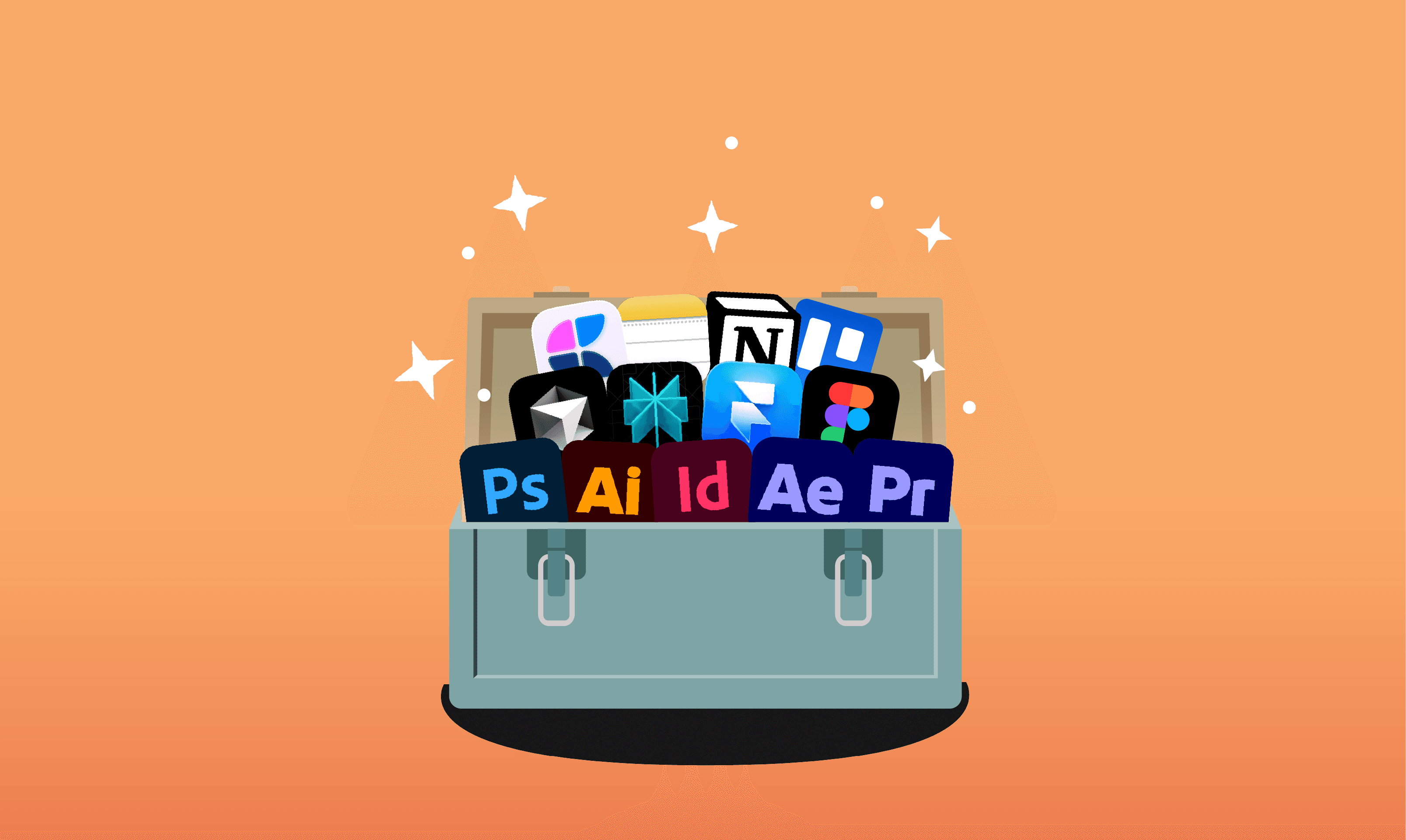
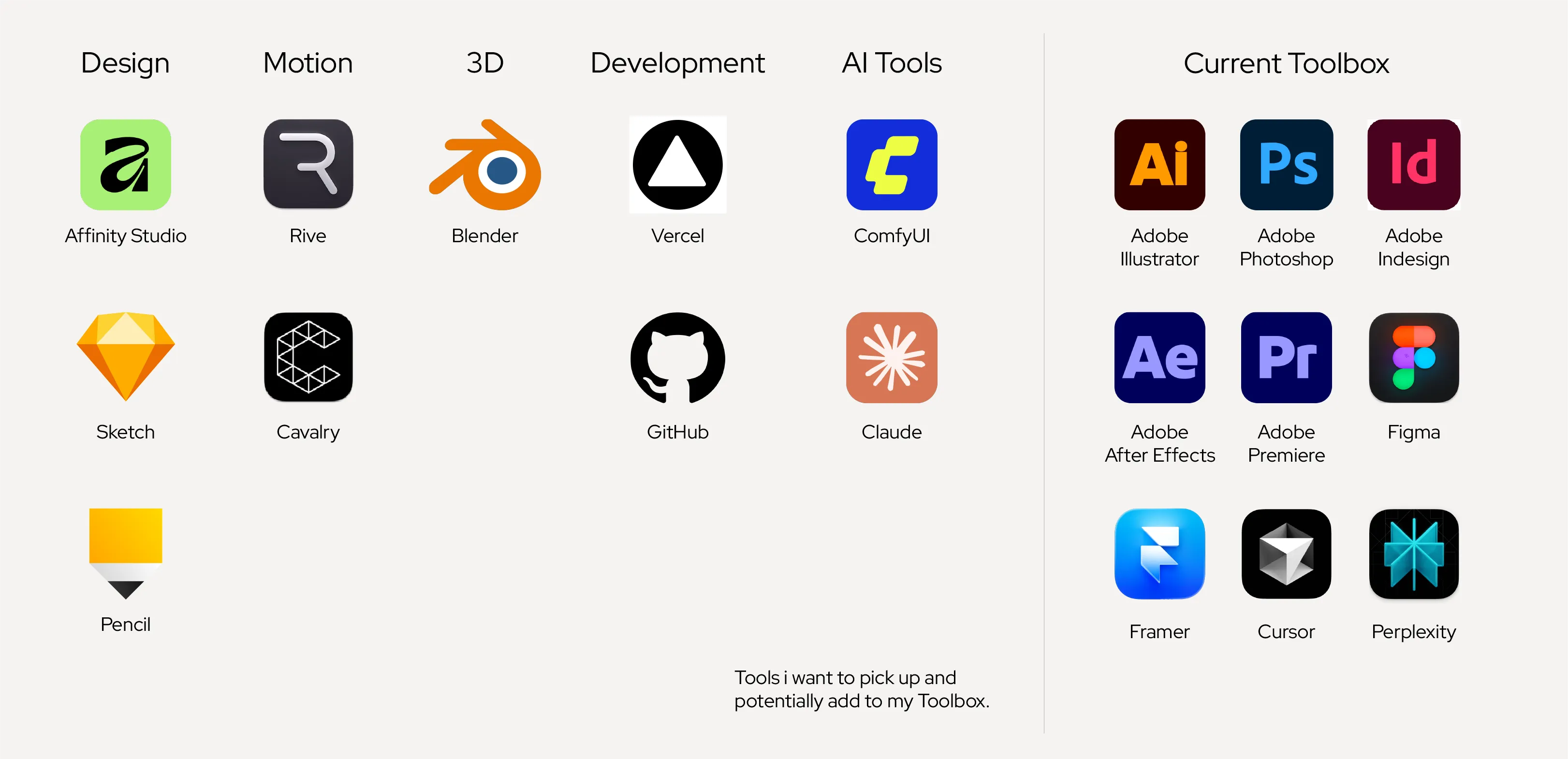
I started out as a graphic designer, so Adobe Illustrator and Photoshop were my bread and butter. Along with analogue tools, your pens and sketchbooks. Over time, I’ve added tools I picked up through projects: Premiere Pro, After Effects, and InDesign.
I picked up Figma, after completing Google’s UX Design Certificate and it has since become core to how I work. From early concepts to research and sticky notes, everything now lives in a FigJam board.
What I Actually Use
My current stack revolves around the Adobe suite, Figma, and most recently, Framer, a no-code tool for shipping websites. Picking up Framer was a natural progression from Figma, especially since I wanted to move beyond designing to actually shipping websites. Fun fact: This website was built in Framer.
For planning and documentation, I rotate between Apple Notes, Craft and Notion. (Still undecided over Craft or Notion) Trello keeps project management simple, while Perplexity helps with prompting and research.
What I’m Testing (and Questioning)
Beyond my current stack, I spend time exploring new tools to see how they might fit into or evolve my workflow. For digital illustration, I’ve been using Clip Studio Paint. Affinity by Canva is a solid alternative to Adobe’s Illustrator, Photoshop, and InDesign. I’ve mainly only used it as a substitute for Illustrator and Photoshop, but I still miss Illustrator’s pseudo-infinite canvas.
Sketch is impressive for designing systems, component and libraries but its UX and interfaces are a little different compared to Figma. Even after using it for studying interfaces and exploration, it hasn’t fully clicked for me yet.
I’ve also been slowly dipping into other tools like Rive, Blender, Paper, Penpot, Figma Weave and Apple Creator Studio as part of expanding both my creative and technical range as a designer.
Blurring Lines in Design and Development.
On the Development side, I’ve experimented with Bolt. which generates designs, prototypes and interfaces which you can directly deploy through GitHub and Vercel. These outputs are useful as starting points for further iteration.
Right now, most generative tools feel optimised for speed and delivery, aligning more with product and project management rather than design depth. That said, this is quickly changing, with new design tooling like Pencil, Paper and Wonder that promises no design handoffs. I’ll likely revisit this as the tools mature.
AI is Changing the Craft
On the AI front, Seedream 4.5 and Nano Banana Pro image models are pretty amazing and are already capable of production-level results. While Seedance 1.5 opens up new possibilities for short-form video. What once required significant time and resources can now be explored and iterating through prompting.
There’s also a growing potential in generative audio, adding another layer to content creation.
I’ve also been experimenting with ComfyUI, an open-source local generative AI tool. It’s complex at first, but once it clicks, it becomes a powerful way to create and manipulate visuals. Writing effective prompts and selecting the right references is quickly becoming its own craft. Where you balance technical understanding with creative intent.
It’s Never About the Tools
In the end, tools are just tools. They don’t define you; it’s how you use them that matters.
Foundations
With new technologies comes new tools and new ways of doing things.
I started out as a graphic designer, so Adobe Illustrator and Photoshop were my bread and butter. Along with analogue tools, your pens and sketchbooks. Over time, I’ve added tools I picked up through projects: Premiere Pro, After Effects, and InDesign.
I picked up Figma, after completing Google’s UX Design Certificate and it has since become core to how I work. From early concepts to research and sticky notes, everything now lives in a FigJam board.
What I Actually Use
My current stack revolves around the Adobe suite, Figma, and most recently, Framer, a no-code tool for shipping websites. Picking up Framer was a natural progression from Figma, especially since I wanted to move beyond designing to actually shipping websites. Fun fact: This website was built in Framer.
For planning and documentation, I rotate between Apple Notes, Craft and Notion. (Still undecided over Craft or Notion) Trello keeps project management simple, while Perplexity helps with prompting and research.
What I’m Testing (and Questioning)
Beyond my current stack, I spend time exploring new tools to see how they might fit into or evolve my workflow. For digital illustration, I’ve been using Clip Studio Paint. Affinity by Canva is a solid alternative to Adobe’s Illustrator, Photoshop, and InDesign. I’ve mainly only used it as a substitute for Illustrator and Photoshop, but I still miss Illustrator’s pseudo-infinite canvas.
Sketch is impressive for designing systems, component and libraries but its UX and interfaces are a little different compared to Figma. Even after using it for studying interfaces and exploration, it hasn’t fully clicked for me yet.
I’ve also been slowly dipping into other tools like Rive, Blender, Paper, Penpot, Figma Weave and Apple Creator Studio as part of expanding both my creative and technical range as a designer.
Blurring Lines in Design and Development.
On the Development side, I’ve experimented with Bolt. which generates designs, prototypes and interfaces which you can directly deploy through GitHub and Vercel. These outputs are useful as starting points for further iteration.
Right now, most generative tools feel optimised for speed and delivery, aligning more with product and project management rather than design depth. That said, this is quickly changing, with new design tooling like Pencil, Paper and Wonder that promises no design handoffs. I’ll likely revisit this as the tools mature.
AI is Changing the Craft
On the AI front, Seedream 4.5 and Nano Banana Pro image models are pretty amazing and are already capable of production-level results. While Seedance 1.5 opens up new possibilities for short-form video. What once required significant time and resources can now be explored and iterating through prompting.
There’s also a growing potential in generative audio, adding another layer to content creation.
I’ve also been experimenting with ComfyUI, an open-source local generative AI tool. It’s complex at first, but once it clicks, it becomes a powerful way to create and manipulate visuals. Writing effective prompts and selecting the right references is quickly becoming its own craft. Where you balance technical understanding with creative intent.
It’s Never About the Tools
In the end, tools are just tools. They don’t define you; it’s how you use them that matters.